WikiVibe
Wikipedia, beautifully
A fast, beautiful Wikipedia reader with AI summaries, quizzes, and study tools. Search, read, and save articles with a clean interface designed for focused reading.



See It In Action

Features
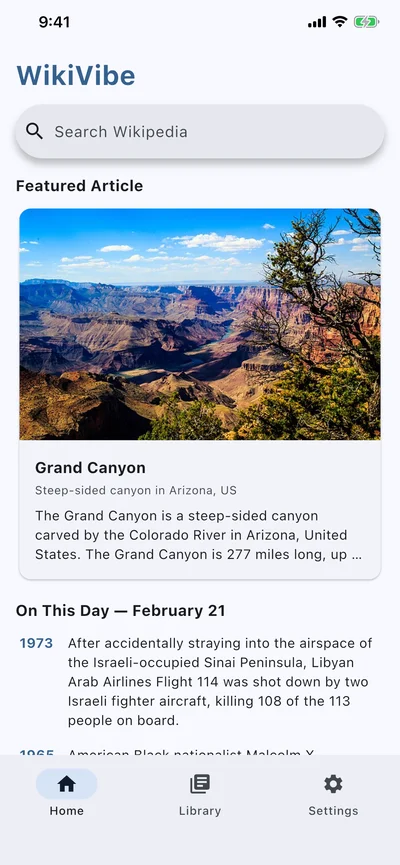
Fast Search
Instant search with suggestions as you type. Find any Wikipedia article in seconds.
Reading Themes
Choose from System, Light, Dark, and Sepia themes for comfortable reading day or night.
Offline Reading
Save articles for offline access. Read anywhere, even without an internet connection.
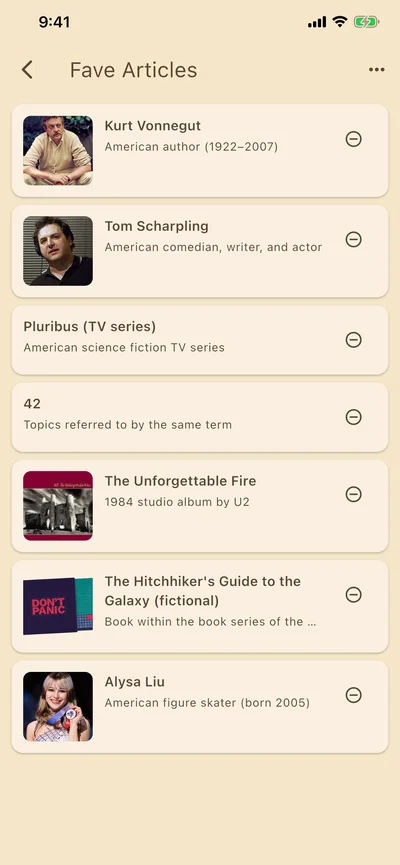
Reading Lists
Organize articles into collections. Keep your research and interests neatly sorted.
Featured Content
Discover featured articles and "On This Day" highlights right from the home screen.
AI Reading Companion
Get AI-powered Vibe Summaries, ELI5 simplifications, and Quiz Me comprehension tests on any article. 10 AI personalities to choose from.
Simple Pricing
Free
$0
- Search & read all articles
- 4 reading themes
- 1 reading list
- Reading history
- Featured content & On This Day
- Find in page
- 5 AI requests/day (Sarcastic personality)
Premium
$4.99 one-time
- Everything in Free
- Unlimited reading lists
- Offline article saving
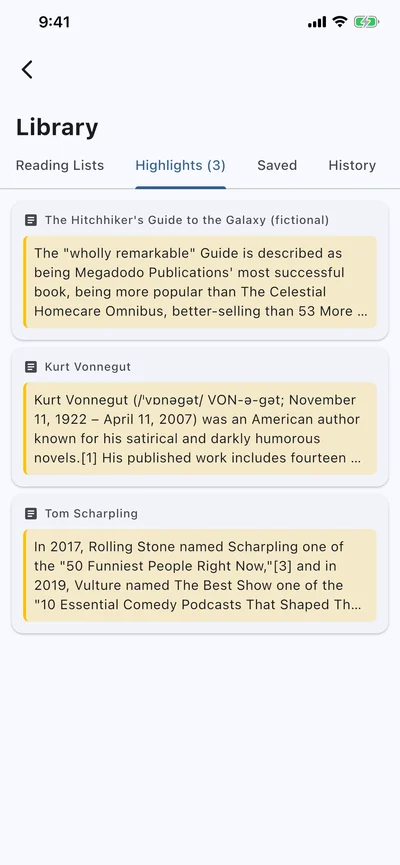
- Highlights & notes
- All 10 AI personalities
- 30 AI requests/day
Frequently Asked Questions
Is WikiVibe free?
Yes. WikiVibe is free with full search and reading of all Wikipedia articles, 4 reading themes, 1 reading list, reading history, featured content, and 5 AI requests per day with the Sarcastic personality. Premium adds unlimited reading lists, offline saving, highlights and notes, all 10 AI personalities, and 30 AI requests per day for a one-time purchase.
Can I use WikiVibe offline?
Yes. WikiVibe lets you save articles for offline reading, even on the free tier. Save articles while connected, then read them anywhere without an internet connection. Saved articles include the full text content of each Wikipedia page.
What makes WikiVibe different from reading Wikipedia in a browser?
WikiVibe provides a clean, distraction-free reading experience designed specifically for Wikipedia. It offers 4 reading themes, organized reading lists, highlights and notes for study, featured content discovery, and AI-powered tools like Vibe Summary, ELI5 simplification, and Quiz Me. No ads, no browser clutter.
Does WikiVibe collect my data?
No. WikiVibe stores your reading history, saved articles, and reading lists locally on your device only. Nothing is sent to Kinetic Origin's servers. There are no analytics, no tracking, and no user accounts. Your reading habits stay private.
All Wikipedia content is provided under the Creative Commons Attribution-ShareAlike 4.0 License. WikiVibe is not affiliated with the Wikimedia Foundation.